introduction
XML Sitemap Best Practices : Typically, when discussing the improvement of SEO for a site, people will always think of the three main factors: keywords, backlinks, and content. However, there is one important element, that often gets forgotten about, a good XML sitemap.
XML sitemaps are used to indicate to the search engines the structure of your site. It shows Google/Microsoft that your pages exist, how pages are related to each other, and the order of importance of each page. Thus, if your sitemap is incorrectly built or has issues that you need to fix, it can hinder your SEO.
In this article, we will discuss the 8 most common XML sitemap errors you will have to deal with and how to fix each of them. At the end of this article, you should have a perfect sitemap that will enhance your chances of ranking higher.
What Is an XML Sitemap and Why It’s Important
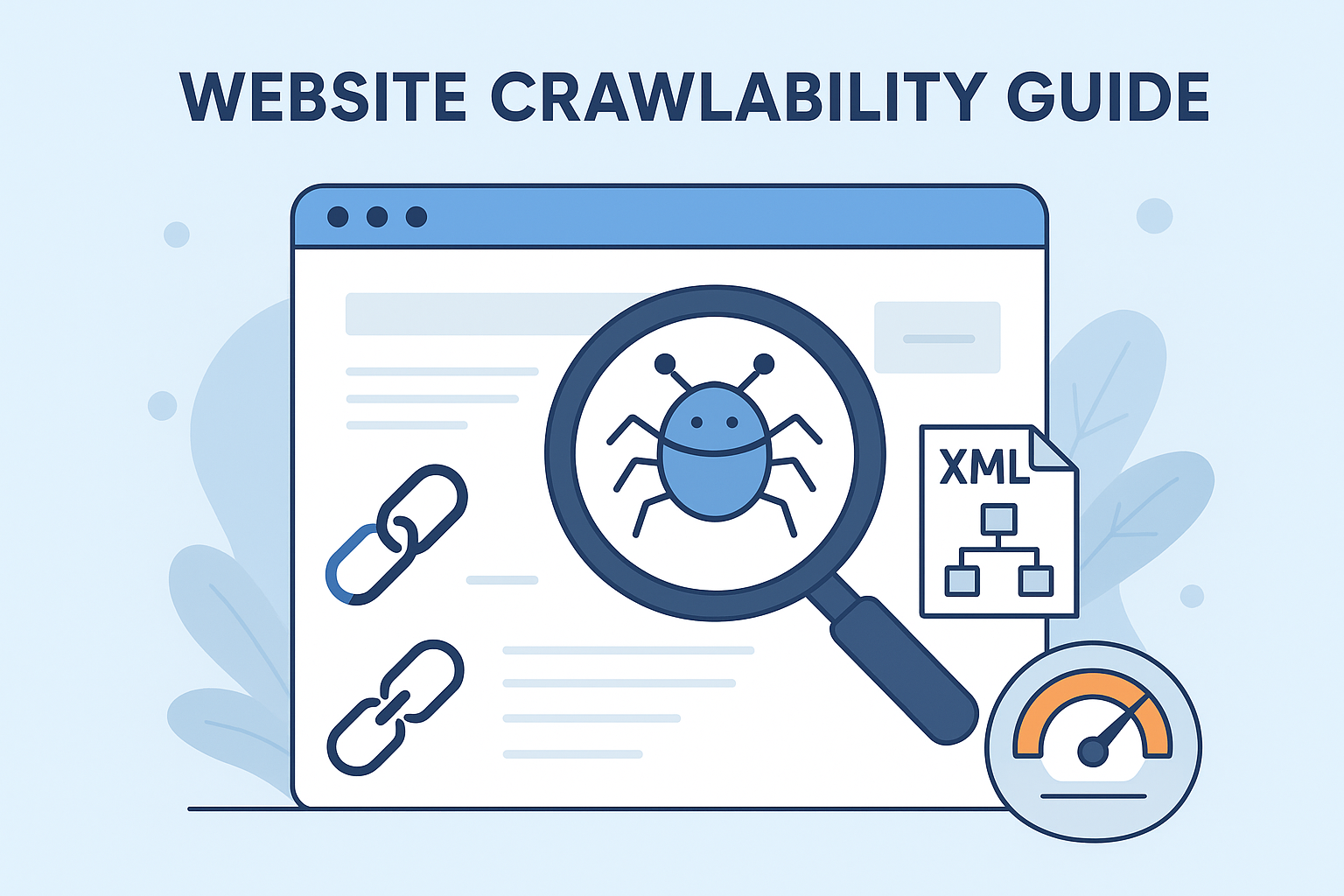
XML sitemap is a file ,it contain the list of all the important pages on your website in a clear format it is usually called as a sitemap.xml. Search engines use it to understand your site structure and find new pages faster.
Here’s why an XML sitemap matters for SEO:
- ✅ It helps search engines discover all your valuable pages.
- ✅ It shows which content was recently updated.
- ✅ It improves crawl efficiency, especially for large websites.
- ✅ It helps Google understand your website hierarchy.
In simple we can say that , an XML sitemap is your site’s SEO roadmap. But it only works when you build and maintain it correctly.
1. Missing Important Pages in Your Sitemap
This is one of the biggest sitemap mistakes. Many site owners forget to include some of their most important pages — like product pages, blog posts, or landing pages. When this happens, search engines may never find or index them.
That means you could lose valuable traffic and rankings for those missing pages.
Best Practice
- Include only canonical URLs (the main version of each page).
- Don’t add duplicate, thin, or irrelevant pages.
- There are different tool but mainly prefer the ,Use tools like Screaming Frog, Ahrefs, or Google Search Console to check which pages are indexed.
- You can check or Audit your sitemap regularly to ensure all important pages are included or not .
Your sitemap should only contain pages you want to rank on Google.
2. Using a Static Sitemap
A static sitemap is one that doesn’t automatically update when new pages are added or deleted. This means your sitemap becomes outdated very quickly — and search engines may keep crawling old links.
If your site is updated often, like blogs or eCommerce stores, this is a serious problem.
Best Practice
- Use a dynamic sitemap it will be updates automatically.
- You can also Install the CMS plugins like Yoast SEO, Rank Math, or use tools like XML Sitemap Generator.
- You can check it ,Make sure the sitemap refreshes every time you publish, delete, or update content.
A dynamic sitemap ensures your website always stays up to date in the eyes of Google.
3. Including Redirects in the Sitemap
Having redirected URLs (3xx) inside your sitemap wastes crawl time. Instead of reaching your actual page, Google ends up following unnecessary redirects. This makes crawling slower and less efficient.
Why It’s a Problem
- It wastes your crawl budget.
- Slows down indexing of new pages.
- Can cause indexing errors or duplicate content issues.
Best Practice
- Replace redirected links with their final destination URLs.
- Use audit tools like Sitebulb, Screaming Frog, or Ahrefs to find redirect chains.
- Update your sitemap often to keep it clean.
Remember, your sitemap should have only live URLs, not old or redirected ones.
4. Not Submitting Your Sitemap to Search Engines
Many website owners think creating a sitemap is enough. But if you don’t submit it to Google or Bing, they might not even know it exists!, if you submit it in google or bing it will crawl fast and index it .
Best Practice
- Submit your sitemap to Google Search Console and Bing Webmaster Tools.
- Re-submit it every time you make big changes to your website (like adding new pages, changing URLs, or redesigning).
- Make sure it’s accessible at:
https://yourdomain.com/sitemap.xml - Check your Search Console regularly to see if it’s indexed successfully.
Submitting your sitemap is like sending an invitation to Google to crawl your site.
5. Not Using the Right Sitemap Structure
Another common mistake is having a poorly structured sitemap. Some webmasters put thousands of URLs in one big file — which can make it harder for search engines to crawl efficiently.
Best Practice
- Keep each sitemap under 50,000 URLs or 50MB in size.
- If your site has lots of pages, split them into sections:
- /sitemap-products.xml
- /sitemap-blogs.xml
- /sitemap-categories.xml
- /sitemap-products.xml
- Create a sitemap index file that links all smaller sitemaps together.
A clear and simple sitemap structure helps both users and search engines find what they need faster.
6. Missing Important Tags (Loc & Lastmod)
Every sitemap entry should have two important tags — <loc> and <lastmod>.
- <loc> shows the exact URL of your page.
- <lastmod> tells when that page was last updated.
Why These Tags Matter
- They tell search engines which pages are fresh or updated.
- Help crawlers focus on new content first.
Best Practice
Always include these tags. Most CMS plugins (like Yoast and Rank Math) do this automatically, but double-check to be sure.
7. Not Using XML Format
Some site owners mistakenly create sitemaps in HTML, TXT, or RSS format. While these can list URLs, they don’t follow the XML standards that search engines prefer.
Why XML Is the Best Format
- It’s structured and easy for crawlers to read.
- Supports extra data like last modified dates and update frequency.
- Works with Google, Bing, and other major search engines.
Best Practice
Always use XML format for your sitemap.
Plugins like Rank Math and Yoast SEO can automatically generate and update it for you.
XML format makes sure Google can read and process your sitemap properly every time.
8. Using the “Priority” Tag
Some webmasters think that using the <priority> tag will make Google crawl or rank their pages higher. But that’s a myth — Google ignores it completely.
Why It’s a Mistake
- It doesn’t affect crawling or ranking at all.
- It adds unnecessary code and can make your sitemap larger.
Best Practice
My recommendation is not to using the <priority> tag. Keep your sitemap simple, clean, and relevant. Focus on real ranking factors like high-quality content, internal linking, and backlinks.
📖 Also Read
10 SEO Metrics You Can’t IgnoreAdvanced XML Sitemap Tips
After correcting the basic mistakes, you might elevate your sitemap through the use of these advanced techniques:
- Utilize Google’s testing tool for the validation of your sitemap to identify any errors.
- Take care of only the indexable pages (omit URLs with “noindex” or those that are redirected).
- Use HTTPS links for all your sitemap links.
- Have your sitemap refreshed every time you change your content.
- Check crawl stats in Google Search Console → Settings → Crawl Stats.
Doing all these activities keeps your sitemap perfect and helps Google to crawl your site quicker.
Frequently Asked Questions (FAQs)
1. How often should I update my XML sitemap?
For best practices you have to update your website in monthly or quarterly , few sites like blogs or ecommece site it will update automatically.
2. How can I check if my sitemap is working properly?
Submit it to Google Search Console and view the Coverage Report. It will show indexed pages, errors, and excluded URLs.
3. Can I have multiple sitemaps?
Yes! Large websites can use multiple sitemaps for different sections like products, blogs, or categories. Link them all with a sitemap index file.
4. Should I include images and videos in my sitemap?
Definitely. You can create image and video sitemaps so search engines can better understand and rank your media content.
5. Does a sitemap guarantee indexing?
No, it doesn’t guarantee indexing. But it increases the chances that search engines will discover and index your important pages faster.
Conclusion
Though at first glance your XML sitemap may seem like a mere technical file, its contribution to the SEO victory is enormous.. It tells search engines what to crawl, what’s new, and how your site is structured.
Avoiding mistakes like missing pages, static sitemaps, or using the wrong format ensures your site stays fully crawlable and optimized.
The proper handling of XML sitemaps will ensure that your website not only ranks higher, is quicker to get loaded among search results but also is more accessible to users.
An XML sitemap that is properly optimized is not only a technical file but also the lifeblood of your SEO plan.