Introduction
AI tools for non-tech users : Artificial Intelligence (AI) is no longer just for tech experts or big companies. Today, anyone can use AI — even if you have zero coding knowledge. Whether you run a small shop, manage a startup, or are just beginning your business journey, AI can help you save time, cut costs, and boost productivity.
The good news? You don’t need to be a programmer. With no-code AI tools, you can create content, design graphics, manage customers, and even handle finances — all without writing a single line of code.
This guide will show you the best AI tools for non-tech users, how small businesses can use them, and how beginners can get started.
Why Small Businesses & Beginners Need AI
Running a small business is tough. You often have to do everything — from marketing to sales, customer service to accounts. Time is your biggest challenge. This is where AI comes in.
Here’s why small businesses and beginners should use AI tools:
- Save time – AI handles repetitive tasks like emails and scheduling.
- Reduce costs – AI is often cheaper than hiring staff.
- Boost productivity – Focus on growth while AI takes care of the routine.
- Easy to use – No coding or technical skills needed.
Stay competitive – Use the same tools that big companies are using.
The Rise of No-Code AI Tools
In the past, AI required coding and advanced skills. Today, things are different. No-code AI tools like ChatGPT, Canva AI, Jasper AI, Copy.ai, and Zapier AI are built for everyday people.
These tools usually come with:
- Simple dashboards
- Pre-made templates
- Drag-and-drop features
- Cloud access (use anywhere)
This makes it possible to design, write, automate, and manage your business without needing a developer.
Best AI Tools for Non-Tech Users in 2025
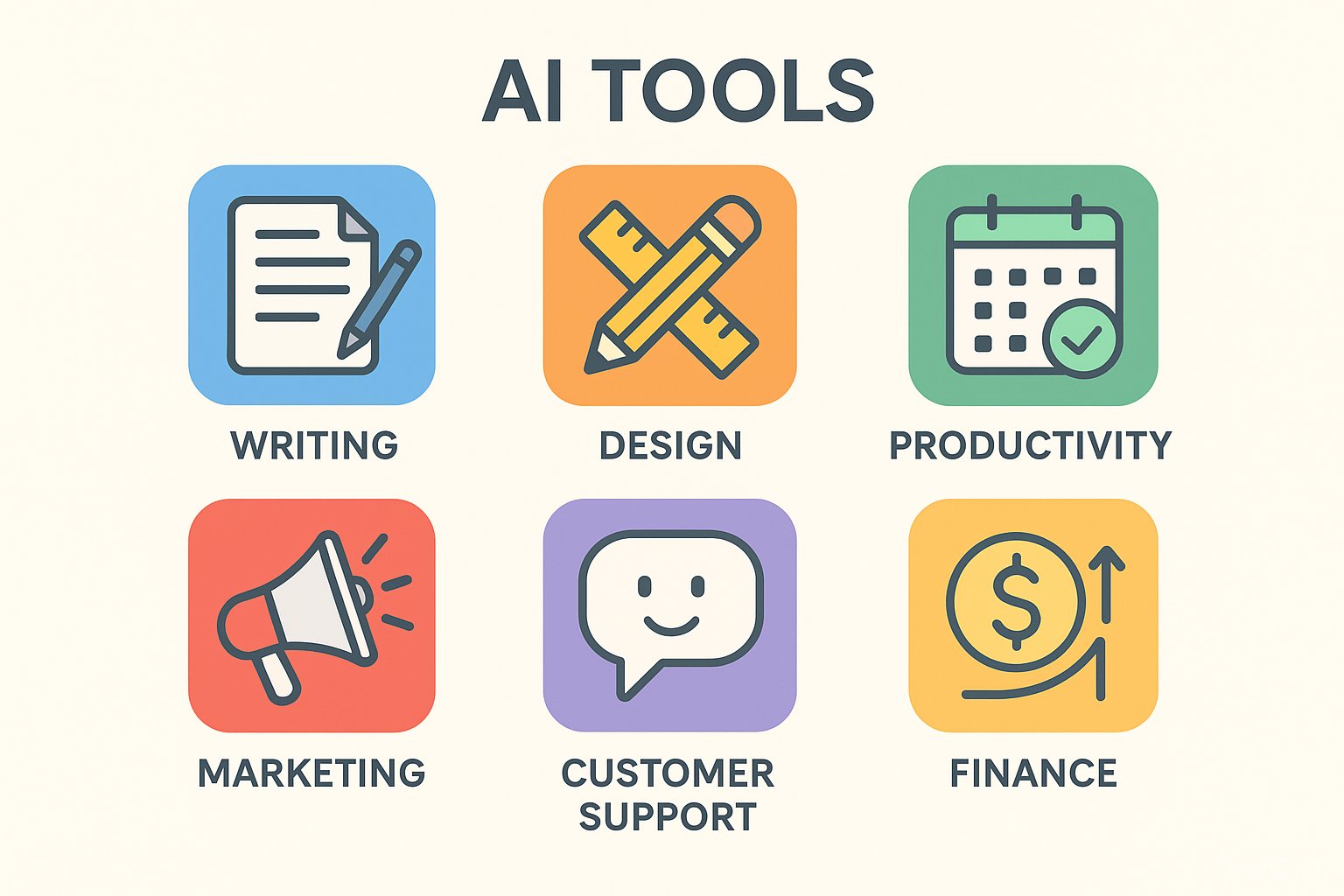
Here’s a breakdown of the most useful AI tools for beginners and small businesses.
1. AI Writing & Content Creation Tools
Creating content for blogs, ads, or social media takes time. AI writing tools make it easier:
- ChatGPT – Great for blogs, emails, FAQs, and customer communication.
- Jasper AI – Best for marketing copy, ads, and sales pages.
- Copy.ai – Helps with product descriptions and social media captions.
- Grammarly – Checks grammar, spelling, and writing style.
2. AI Design & Visual Tools
Not a designer? No worries. AI design tools create professional visuals fast.
- Canva AI (Magic Design) – Instantly makes social posts, posters, and presentations.
- Looka – AI logo generator for small businesses.
- Pictory – Turns blogs or text into videos.
- Remove.bg – Erases image backgrounds in seconds.
3. AI Productivity & Workflow Tools
AI helps automate business tasks so you can focus on growth.
- Notion AI – Smart workspace for notes and projects.
- Zapier AI – Connects apps (Gmail, Slack, Shopify) and automates workflows.
- Otter.ai – Transcribes meetings into notes.
- Trello with AI – Manages projects with ease.
4. AI Marketing & Sales Tools
Marketing is essential, but it takes time. AI makes it smarter and faster.
- HubSpot AI – CRM and marketing automation.
- Surfer SEO – Optimizes content for better Google ranking.
- Writesonic – Creates ads, blogs, and chatbots.
- Lumen5 – Turns text into social media videos.
5. AI Customer Support Tools
AI chatbots help customers 24/7 without needing a full team.
- Tidio AI Chatbot – Quick replies for website visitors.
- Freshdesk AI – Handles support tickets.
- Drift – Sales and customer chat platform.
- Intercom AI – Personalized support at scale.
6. AI Tools for Finance & Accounting
Money management becomes easier with AI.
- QuickBooks AI – Automates bookkeeping.
- Xero AI – Manages payroll and invoices.
- Fyle – Tracks and manages expenses.
- TallyPrime AI – Provides financial insights.
How to Choose the Right AI Tool
Before picking a tool, check these points:
- Ease of use – Can beginners use it easily?
- Price – Is it affordable for your budget?
- Integration – Does it work with your current apps?
- Support – Do they offer help and tutorials?
- Scalability – Will it still work as your business grows?
Tip: Start small. Try one AI tool first, then expand.
Benefits of Using AI Without Coding
- Simple to use — no tech skills needed.
- Saves hours of manual work.
- Improves accuracy in writing and data.
- Low-cost compared to hiring staff.
- Boosts creativity with new ideas and designs.
Challenges of AI Tools
AI is powerful, but not perfect:
- Quality depends on your input.
- Lacks human creativity.
- Premium features can be costly.
- Data privacy issues if not careful.
Real-Life Examples
- A bakery owner uses Canva AI for social posts.
- A freelancer uses ChatGPT to write proposals.
- A retail shop uses Tidio chatbot for customer support.
- A startup uses QuickBooks AI for accounts.
Future of AI for Beginners
AI is only going to get better. Expect to see:
- More free AI apps for startups.
- AI-powered voice assistants for small businesses.
- Websites built with AI, no coding required.
- Smarter marketing campaigns run by AI.
📖 Also Read
8 Types of Backlinks That Work in 2025FAQs – AI Tools for Non-Tech Users
Q1. What are the best AI tools for beginners with no coding skills?
ChatGPT, Canva AI, Jasper, and Notion AI are perfect since they’re beginner-friendly.
Q2. Are AI tools expensive for small businesses?
No. Many have free versions or low monthly costs.
Q3. Can AI tools replace employees?
Not really. They help reduce repetitive work, but human creativity and strategy are still important.
Q4. How can I start using AI for my business?
Choose one area like content writing or customer service, and test a simple tool first.
Q5. Are AI tools safe to use?
Yes, as long as you choose trusted platforms that follow data privacy rules.
Conclusion
Big companies and tech persons might have had AI once. Now, it’s an excellent helper for beginners ,and AI tools for non-tech users, and small businesses. Configure AI at the moment, and you will save time, cut costs, and grow your business, all without having to code.
Anything from writing and designing to marketing, finance, and service for clients-I mean, there’s an AI tool that would fit your requirements. The key is to get your hands dirty with the first one and soon keep your eyes open to just how much simpler your business becomes.”
Define it again: No need to code; just have the courage to try it. it is useful for everyone like tech or AI tools for non-tech users also.