
Introduction
If you run a WordPress site, you already know that Google ranking has become very competitive. Standing out is harder than ever, considering millions of websites competing for a little visibility.
The good side of the story? SEO plugins in WordPress it can do your work in easily and simplify the process by automating technical SEO, on-page seo, optimizing content, and ensuring your site follows Google’s latest guidelines.
In this ultimate guide, we’ll explore the 10 best WordPress SEO plugins in 2025—complete with setup steps, features, pros & cons, and pricing. Whether you’re a beginner or an experienced digital marketer, this list will help you pick the right plugin for your website.
Note: Premium Plugin prices change every time
The 10 Best WordPress SEO Plugins in 2025
1. Yoast SEO
Yoast SEO is the most widely used WordPress SEO plugin, with over 5 million active installs. It’s known for its on-page optimization features, like readability analysis, focus keywords, XML sitemaps, and structured data support.
How to Set Up Yoast SEO:
- Go to Plugins > Add New in your WordPress dashboard.
- Search for “Yoast SEO” and install it and activate it .
- Walk through the setup wizard that will help you to configure site basics, title structure, and XML sitemaps.
Pros:
- Beginner-friendly interface
- Detailed content analysis
- Automatic XML sitemap generation
- Regular updates
Cons:
- Some advanced features are locked behind premium
- Can feel heavy for minimal setups
Pricing:
- Free version available
- Premium: $100 – $120
Best For: Beginners & bloggers
2. Rank Math
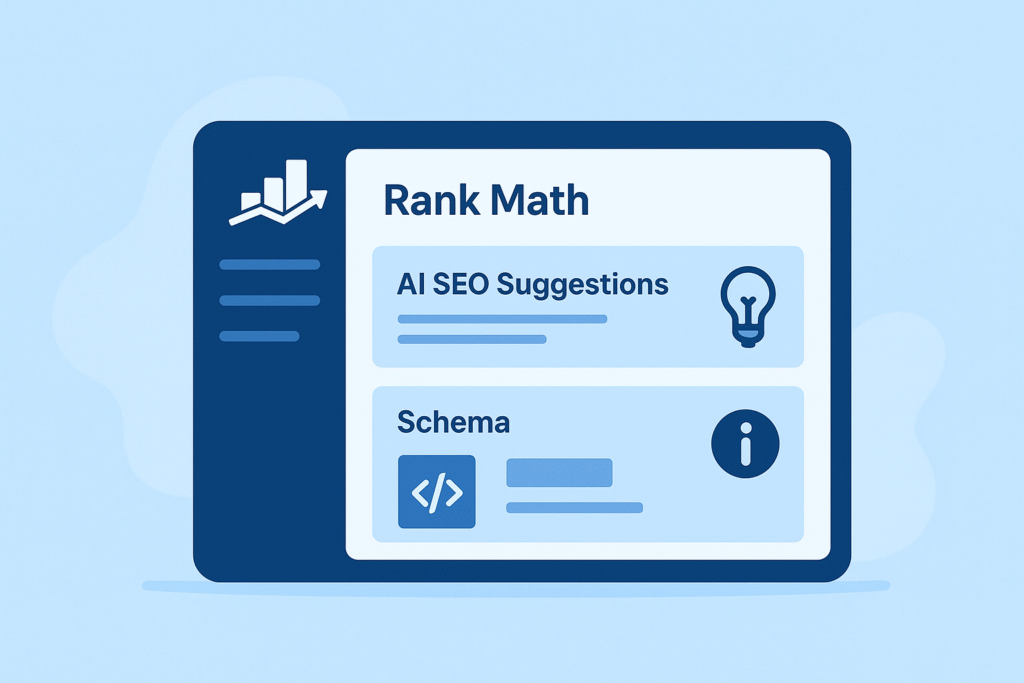
Rank Math has quickly gained popularity for offering premium-level features for free. It integrates AI-based SEO suggestions, schema generator, keyword tracking, and Google Analytics.
How to Set Up Rank Math:
- Install the plugin from WordPress repository.
- Run the easy setup wizard—connect Google Search Console, set sitemaps, and enable schema.
- Configure advanced options like 404 monitor and redirection.
Pros:
- AI SEO assistant
- Rich schema markup support
- Lightweight & fast
- More free features than competitors
Cons:
- Too many features may confuse beginners
- Some premium features can be overwhelming
Pricing:
- Free plan available
- Pro: $59/year
- Business: $199/year
Best For: Businesses & advanced SEO users
3. All in One SEO (AIOSEO)
One of the oldest SEO plugins, AIOSEO has been trusted for years. It’s perfect for businesses that need local SEO, WooCommerce SEO, and advanced XML sitemaps.
How to Set Up AIOSEO:
- Install and activate from the plugin store.
- Follow the setup wizard for site type, SEO titles, and sitemap settings.
- Enable local SEO and WooCommerce SEO if needed.
Pros:
- Great for eCommerce and local businesses
- Built-in link assistant
- Easy migration from other SEO plugins
Cons:
- Free version is limited compared to Rank Math
- Some advanced tools require premium
Pricing:
- Free plan available
- Pro: $49.60/year
Best For: Small businesses & eCommerce
4. SEOPress
SEOPress is a lightweight SEO plugin with all the essentials: XML/HTML sitemaps, schema markup, content analysis, and social media integration.
Setup Steps:
- Install SEOPress.
- Configure titles & meta tags.
- Connect Google Analytics and enable schema types.
Pros:
- Affordable pricing
- No ads in free version
- White-label option for agencies
Cons:
- Smaller community compared to Yoast/Rank Math
- Lacks built-in AI features
Pricing:
- Free version
- Pro: $49/year (unlimited sites)
Best For: Developers & agencies
5. The SEO Framework
The SEO Framework is known for being lightweight and automated. It provides excellent speed and performance while handling essential SEO tasks.
Setup Steps:
- Install plugin → configure basic site settings → enable auto-generated meta titles and descriptions.
Pros:
- Blazing fast
- Automated settings for beginners
- No ads, clean interface
Cons:
- Lacks detailed content analysis
- Limited features compared to Rank Math
Pricing:
- Free version
- Premium: $7/month
Best For: Performance-focused websites
6. WP Rocket (for SEO Speed Optimization)
Speed is a Google ranking factor, and WP Rocket is the best caching plugin for WordPress. While not a direct SEO plugin, it improves Core Web Vitals.
Setup Steps:
- Install WP Rocket → enable caching, lazy loading, and file optimization.
Pros:
- Boosts site loading speed
- Improves Core Web Vitals
- Beginner-friendly setup
Cons:
- Premium only
- Not a dedicated SEO plugin
Pricing:
- $59/year
Best For: Speed optimization & Core Web Vitals
7. Schema Pro
Schema markup improves rich snippets, helping your site stand out in search results. Schema Pro makes it easy to add structured data without coding.
Setup Steps:
- Install plugin → select schema type (article, product, FAQ) → configure fields.
Pros:
- Wide schema support
- Easy to use
- Boosts CTR with rich snippets
Cons:
- Paid plugin only
- Requires basic SEO knowledge
Pricing:
- $79/year
Best For: Blogs & eCommerce
8. Broken Link Checker
Broken links hurt SEO. This plugin automatically scans your site for 404 errors and dead links, helping you fix them.
Setup Steps:
- Install plugin → run a full site scan → replace or redirect broken links.
Pros:
- Easy to use
- Improves SEO health
- Free
Cons:
- Can slow down large websites
- Needs regular checks
Pricing:
- Free
Best For: Content-heavy websites
9. Redirection
Managing 301 redirects and 404 errors is crucial for maintaining SEO rankings. The Redirection plugin makes it easy.
Setup Steps:
- Install → go to “Tools > Redirection” → add source & target URLs.
Pros:
- Free & simple
- Useful for site migrations
- Prevents traffic loss
Cons:
- No analytics
- Limited advanced features
Pricing:
- Free
Best For: Websites with frequent updates
.
10. MonsterInsights (Google Analytics for WordPress)
SEO isn’t just about optimization—it’s also about tracking performance. MonsterInsights connects Google Analytics directly to your WordPress dashboard.
Setup Steps:
- Install plugin → connect Google Analytics account → track SEO metrics.
Pros:
- Easy integration
- SEO performance tracking
- Content insights
Cons:
- Limited in free version
- Expensive for premium users
Pricing:
- Free
- Pro: $99/year
Best For: Data-driven SEO strategy
Comparison Table of Best WordPress SEO Plugins
| Plugin | Best For | Free Version | Premium Pricing |
| Yoast SEO | Bloggers, beginners | ✅ Yes | $99/year |
| Rank Math | Advanced users | ✅ Yes | $59/year |
| AIOSEO | Businesses, eCom | ✅ Yes | $49/year |
| SEOPress | Agencies, developers | ✅ Yes | $49/year |
| The SEO Framework | Speed-focused sites | ✅ Yes | $7/month |
| WP Rocket | Speed optimization | ❌ No | $59/year |
| Schema Pro | Rich snippets | ❌ No | $79/year |
| Broken Link Checker | Content-heavy sites | ✅ Yes | Free |
| Redirection | Site migrations | ✅ Yes | Free |
| MonsterInsights | SEO analytics | ✅ Yes | $99/year |
FAQs (Optimized for Featured Snippets)
1. What is the Best WordPress SEO Plugins in 2025?
The top choices are Yoast SEO and Rank Math. Yoast is beginner-friendly, while Rank Math offers advanced features for free.
2. Do I need multiple SEO plugins on WordPress?
No, you should use only one main SEO plugin (Yoast, Rank Math, or AIOSEO). But you can add support tools like WP Rocket or Schema Pro.
3. Is Rank Math better than Yoast SEO?
Rank Math provides more free features, including schema and AI tools, while Yoast has a simpler interface for beginners.
4. Which SEO plugin is best for WooCommerce?
All in One SEO (AIOSEO) is excellent for WooCommerce stores due to its eCommerce SEO features.
5. Can SEO plugins guarantee higher Google rankings?
No SEO plugin can guarantee rankings. They only optimize your website to meet Google’s best practices—content quality still matters most.
Conclusion
The right Best WordPress SEO plugin can dramatically improve your site’s rankings, traffic, and performance.
- If you’re a beginner, go with Yoast SEO.
- If you want advanced features for free, choose Rank Math.
- For businesses and eCommerce, AIOSEO is a great choice.
- If speed is your focus, don’t forget WP Rocket.
👉 Final Tip: Stick with one SEO plugin and optimize consistently. Combine SEO tools with quality content, and you’ll see sustainable results in 2025.






Pingback: Why Core Web Vitals are Critical for SEO & User Experience